Getting Started on Instagram
- Demi

- Mar 23, 2020
- 3 min read
Updated: Apr 3, 2020
Are you just getting started on Instagram? Here are some steps and tips that you can take to ensure that you are taking advantage of all features on the platform.

1. Setting up your Instagram page
If you already have an Instagram page you can skip this step. However, if you’re new to the platform, the first step is to download the Instagram app and sign up. You have the option to sign up through Facebook or manually by providing your email address and a password. Either way is fine, and if you prefer to do it manually, you can always link your Facebook account later down the track. You’ll then need to choose a username. This could be as simple as your name, or something more creative.
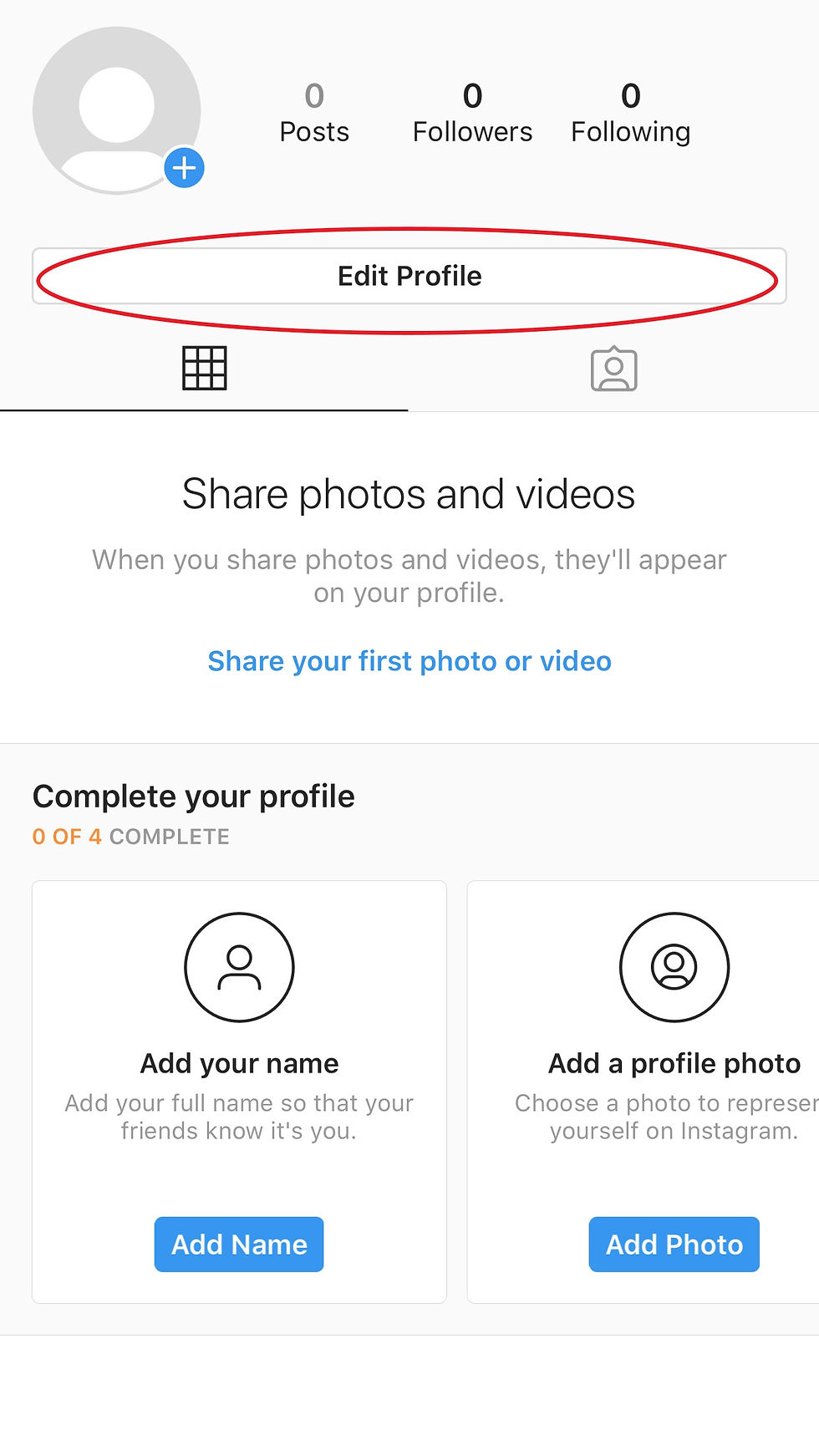
The next step is to add a profile picture. This can be done easily by navigating to your profile (select the circle icon in the bottom-right corner for mobile app or top-right corner for website) and then click “Edit Profile”. Then select “Change profile photo” and you can either take a new picture or import one. You also have the option to create a bio for yourself and add a website.
2. Connecting other social media platforms
Connecting your other social media accounts, such as Facebook, Twitter or Tumblr, can come in handy when you also want to share an image on other platforms.
To link your other social media accounts to your Instagram, simply navigate to the top right corner of your profile, tap on the hamburger menu (the icon with 3 horizontal lines) and then select “Settings”. Go to your “Account” and then “Linked Accounts”. Then choose which social media platforms you’d like to link to, and provide the required information to connect them.


3. Follow other users
Instagram has made it easy for you to follow people you know. When viewing your profile, tap on the hamburger menu in the top right corner and select “Discover people”. Here, Instagram provides an “All suggestions” area for you to follow people who you may know through your connected Facebook or Twitter accounts.

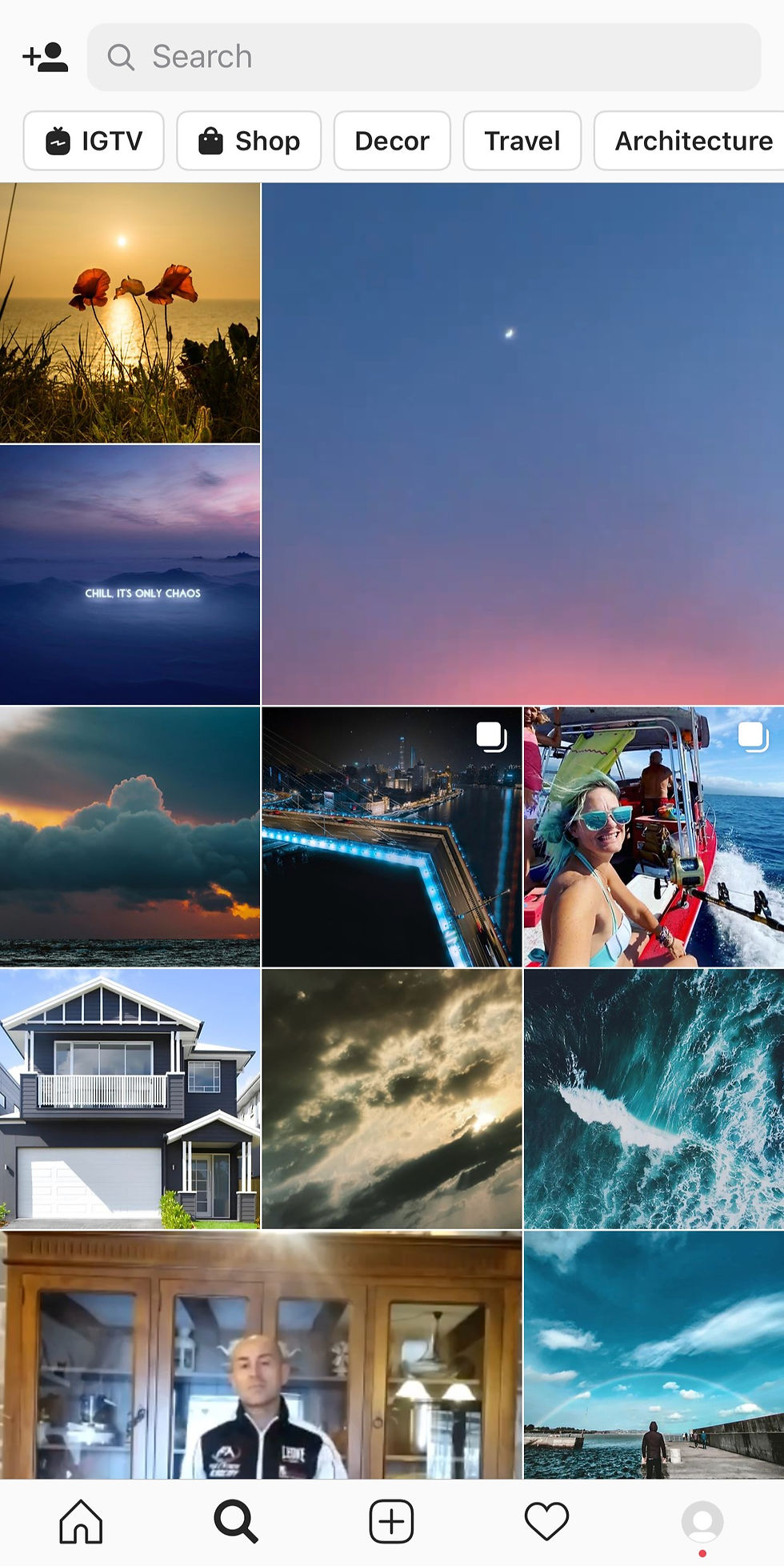
You can also use Instagram’s search feature to find friends, brands or celebrities. Following accounts that you find interesting is a great way to get inspired for your own Insta feed!
4. Post your first photo or video
Now, for the most important part of Instagram… how to post a photo or video!
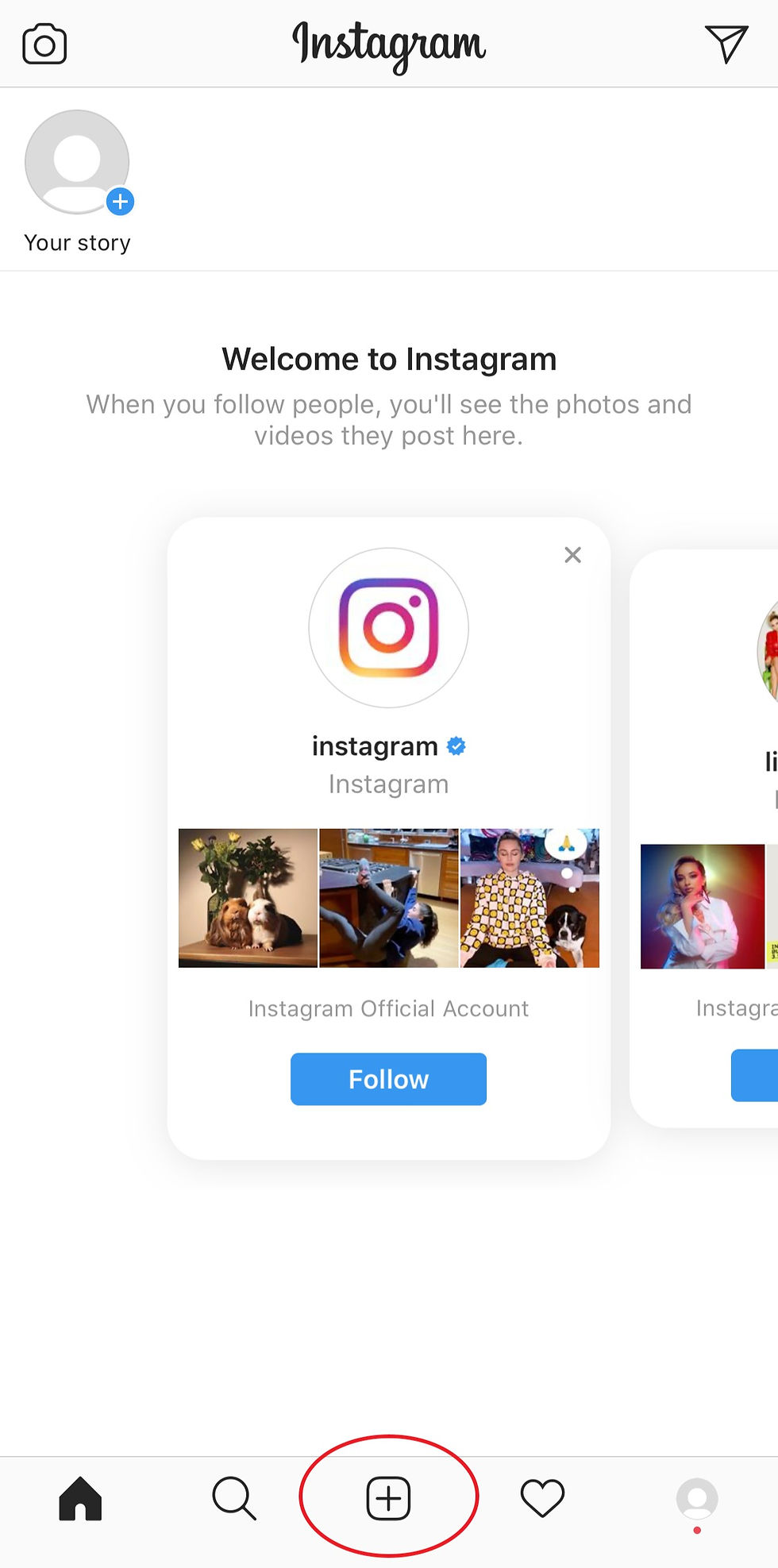
First, tap on the “+” icon in the middle of the menu at the bottom of your screen. You have three options: choose a photo or video from your Photo Album, take a new photo with your camera or take a new video.
Once you have decided on the photo or video you want to post, select “Next”. Here, if you are uploading a photo, you have the option to apply a filter and edit various adjustments, such as brightness, contrast, structure and more. For videos you can also apply a filter, trim the video and choose a “Cover” (this is what is shown on your feed once it’s posted).


When you’ve finished editing your photo or video, or if you wanted to keep it natural and didn’t edit at all, select “Next”. Now you can write a caption, tag people and add a location. You also have the option to share your post to other social media platforms. When you’re satisfied, hit “Share” and you’re done!
Hopefully this post has been helpful a helpful introduction to Instagram, I'll be posting more on how to build your Instagram platform
Talk soon,
Demi


Comments